7 TikTok Video Ideas for Nigerian Food Vendors
The most useful TikTok video ideas for Nigerian food vendors show what you sell, answer a buying question and explain how to order. Start with a portion reveal, a preparation clip, a delivery-area explanation or a short answer to a customer question. You can film these during your normal working day without creating an elaborate production.
A bowl of rice may look appealing, but a potential customer also wants to know what comes with it, where you deliver and when to place an order. Build your videos around those decisions. The seven ideas below include sample opening lines, practical shots and a next step you can adapt to your business.
Before filming, choose one customer and one message
Decide who the video is for. An office worker ordering lunch has different questions from someone booking food for a birthday. Choose one group for each video so you do not squeeze your entire menu into every post.
Write down the question you want to answer. For example: “What exactly is inside this lunch bowl?” Then prepare the food, filming area and ordering information before recording. Use your actual portions and current details. A sample script should never become a claim your business cannot fulfil.
TikTok's creative guidance for advertisers recommends vertical video, an early hook and a clear call to action. These are useful starting points for filming, although the guidance concerns ads and does not guarantee organic reach. Film your TikTok clips vertically and keep important text away from the app's buttons.
1. Reveal exactly what comes in the meal
Sample hook: “Before you order our lunch bowl, here is everything inside.”
Start with the finished meal, then show the components separately. For a jollof bowl, that could be the rice, chicken, plantain and any extras that are genuinely included. Use the same packaging and portion size customers receive.
Film an overhead shot and one closer view of the protein. State the current price if you are comfortable publishing it, and make paid extras clear. Avoid a serving styled for the camera that is larger than the actual order.
Next step: Ask viewers to request the current menu or order through your usual channel. This format gives people a clear picture of what they are paying for.
2. Show one satisfying preparation step
Sample hook: “This is the step you do not see before your lunch arrives.”
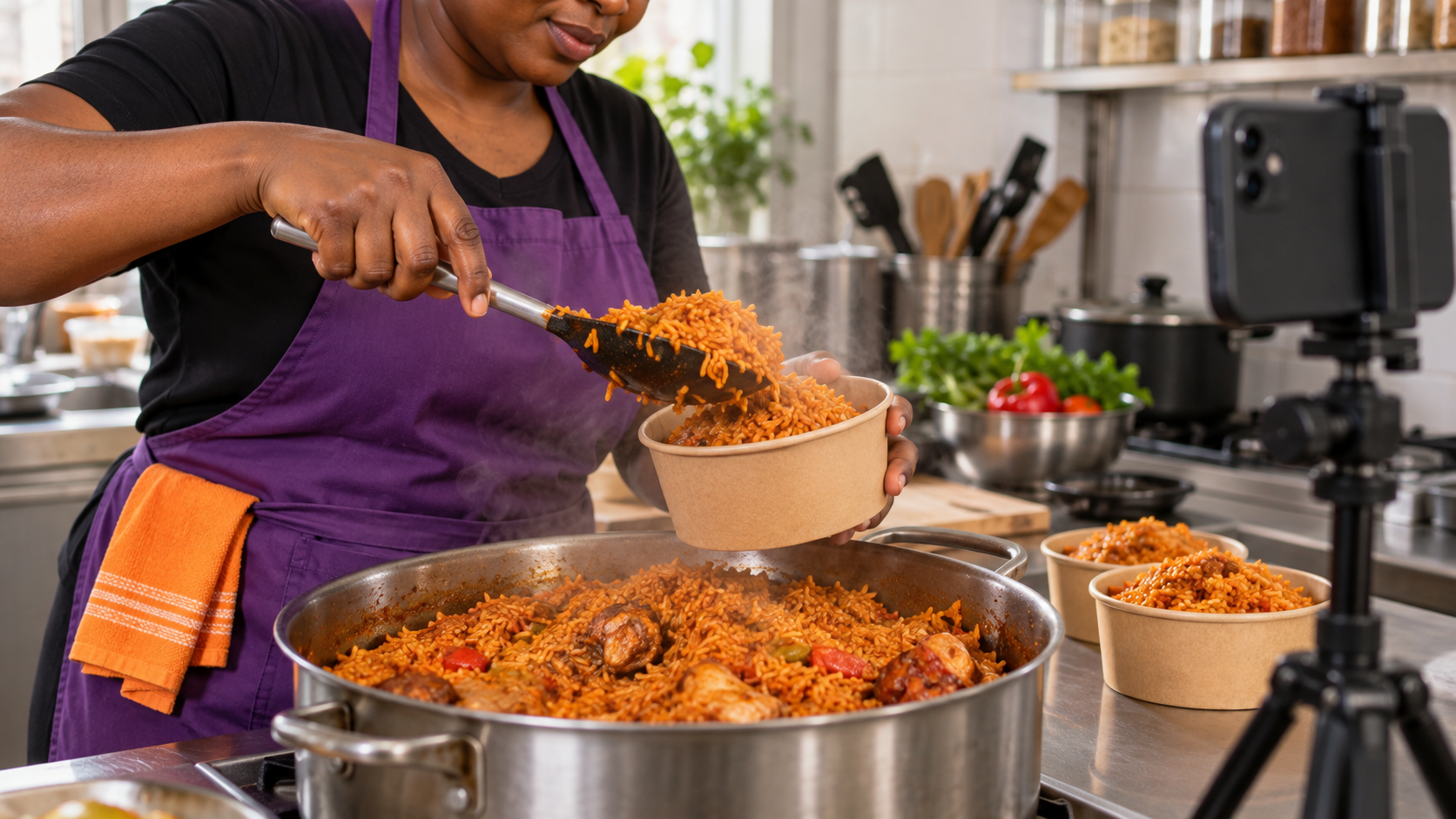
Record a short sequence such as stirring a pot, adding a finishing sauce or packing a freshly prepared meal. You do not need to reveal a private recipe. Choose a process that is visually clear and reflects your normal kitchen practice.
Keep the phone away from food preparation surfaces and arrange filming so it does not interrupt safe handling. Record a voiceover afterwards if speaking while cooking would be distracting.
Next step: Invite viewers to check the menu for the next available ordering day. Only say food is available today when that is true.
3. Explain where and when you deliver
Sample hook: “Ordering lunch in Ikeja? Check this before sending your address.”
Replace Ikeja with an area you actually serve. Explain the delivery locations, how customers confirm the delivery charge and your real ordering cut-off, if you have one.
Film yourself beside packed meals or use a voiceover over a short packing sequence. If charges depend on the address, say so. Do not advertise a single delivery fee that only applies to one location without explaining that limit.
Next step: Ask customers to send their location and preferred delivery day for confirmation. Keep addresses, phone numbers and order labels out of the video.
4. Answer one question customers keep asking
Sample hook: “Can you order this meal without pepper? Here is how we handle that.”
Pick a genuine question from your enquiries. It might concern spice level, portion options, advance orders or whether an item is included. Answer it directly, then show the relevant meal or option.
If an adjustment is unavailable, explain that clearly. Do not suggest that a dish is suitable for an allergy or dietary requirement unless you have reliable information about its ingredients and preparation.
Next step: Tell buyers when to mention their request so you can confirm whether it is possible before they pay. This is more useful than a general “send a message” ending.
5. Show the difference between two portions
Sample hook: “Lunch for one or food to share? Let us show you the difference.”
Place two actual options side by side. Identify what each contains, the container size where known and any difference in protein or extras. Use a consistent camera angle so the comparison is fair.
A tray can look much larger when it is held closer to the lens. Keep both options on the same surface. Avoid promising how many people a tray will feed unless you explain the portion assumptions.
Next step: Invite buyers to describe the occasion and the number of people so you can suggest a suitable option from your menu.
6. Film the checks before an order leaves
Sample hook: “Before this order leaves our kitchen, these are the details we check.”
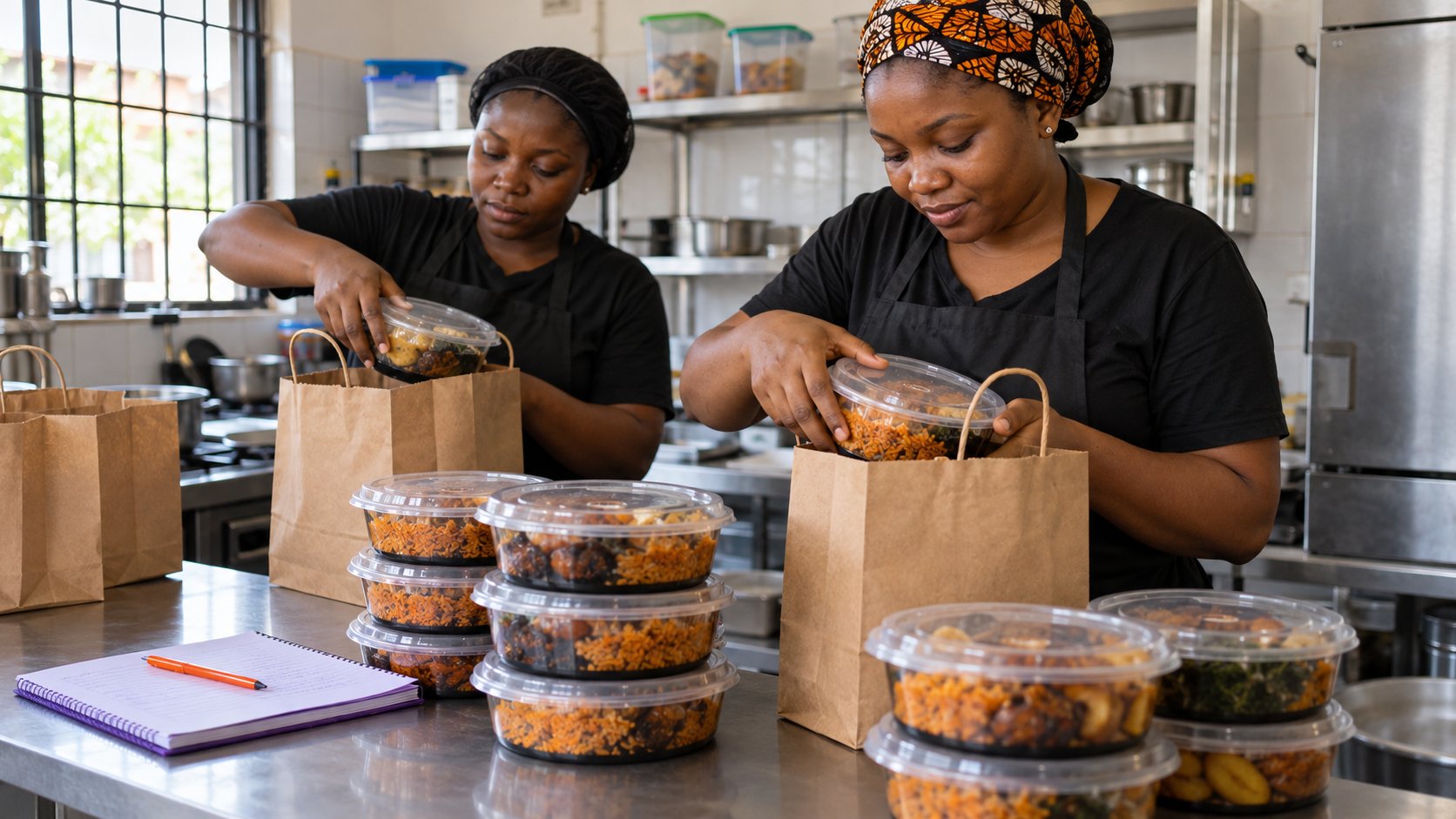
Show your real packing routine: matching the meal to the order, confirming requested extras and checking that containers are properly closed. Film a prepared demonstration order if a live order would reveal customer information.
This video helps you explain your process. It should not be presented as proof that mistakes never happen. Keep the clip focused on a few visible actions rather than broad claims about being the best vendor in town.
Next step: Remind buyers to confirm their meal choices and delivery details when ordering.
7. Let the owner explain one menu decision
Sample hook: “People ask why we sell this meal on selected days. Here is the reason.”
Explain a real decision, such as preparing a special dish by preorder or offering a smaller weekday menu. Speak as you would to a customer at your counter. You can record a few short sentences and add footage of the meal.
A specific explanation gives viewers something to understand about the business. You do not need an invented struggle story, a staged testimonial or a claim that customers are rushing to order.
Next step: Explain how to check the next available date or place an advance order, using your actual process.
Turn these ideas into a manageable filming routine
Choose three ideas for your next preparation day. Capture a finished meal, a preparation step and a packing sequence. Record any explanation afterwards, then turn each into a separate video with one message.
Keep a note of the opening line, meal featured and questions received. Use those questions to plan the next batch. A video that brings useful enquiries may deserve a follow-up even if another post receives more views.
Use audio you have the rights to use for business promotion. Your own spoken explanation and kitchen sounds can be enough; a trending song is not essential to the idea.
Where OgaViral fits into your promotion plan
Once your content and ordering process are clear, you can review OgaViral's available services and read the conditions of any option you are considering. Check the supported platform, required link, audience description and delivery information before ordering.
Purchased engagement is different from organic customer interest. A view or like quantity does not guarantee local buyers, sales or recommendations. An instant start also does not mean instant completion. Review the relevant platform rules and our ordering conditions before making a decision.
If you are new to the platform, our beginner's ordering guide explains the process. Start with one clear video, make the next step easy for customers and create your OgaViral account when you are ready to compare the available options.